Result
Showing the first page only — the rest are in the downloaded file.
No MusicXML. No software. Works with a picture from your phone.
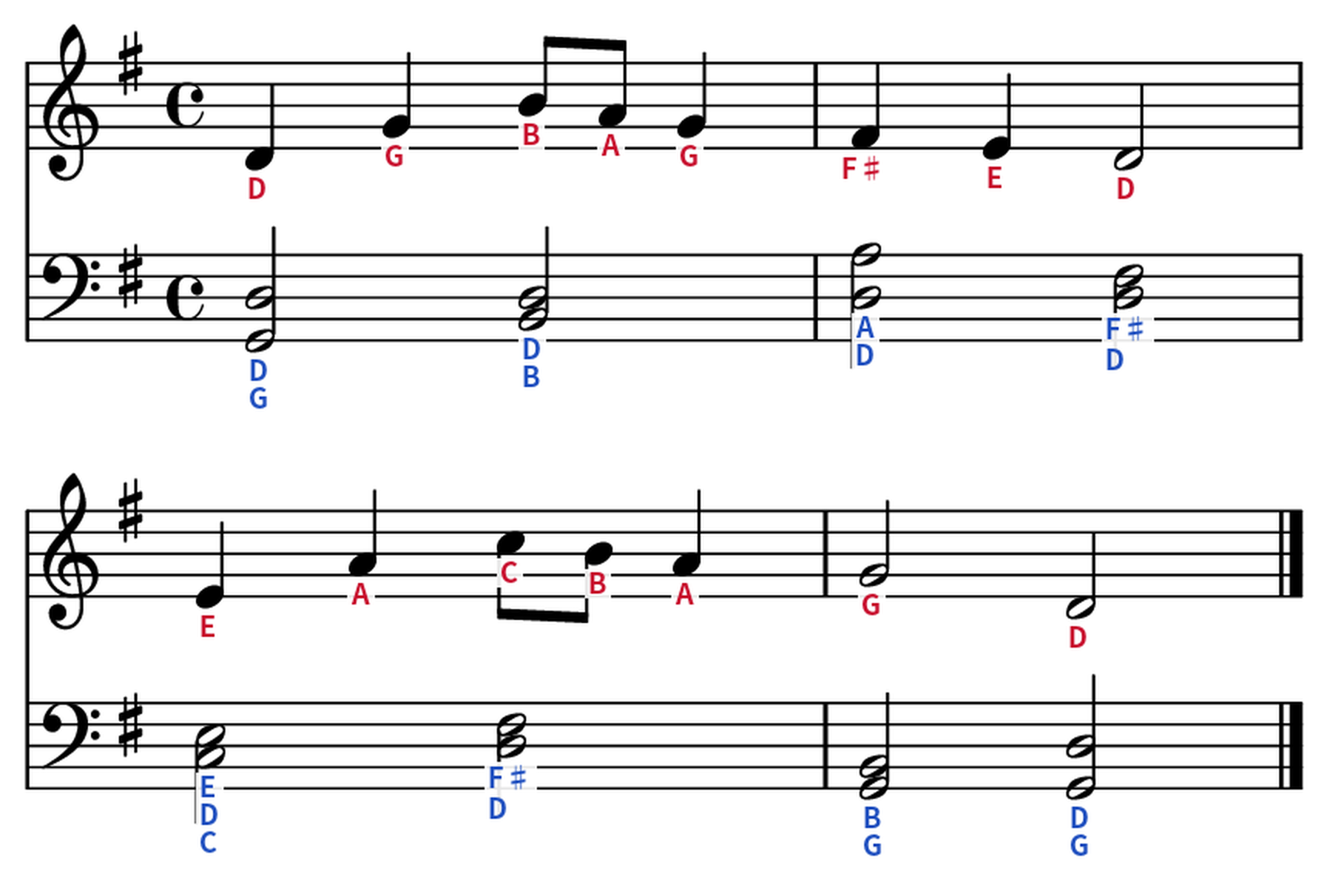
No upload needed yet — change the options below and watch the sample update.
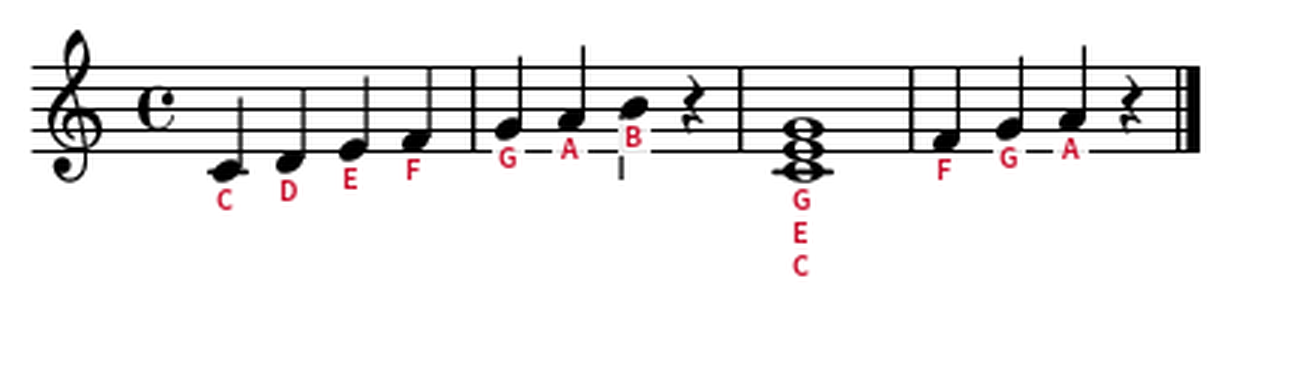
Drop a photo or PDF of your sheet music. No account needed for your first try.
Pick a language and where labels appear — above or below each note.
Get your labeled sheet music in seconds, ready to print or practice with.
Showing the first page only — the rest are in the downloaded file.
Most note-naming tools require a MusicXML file to start. Notalo works directly from a photo or PDF. Here's how the two approaches compare.
| Notalo | MusicXML-based tools | |
|---|---|---|
| Input format | PDF, JPG, PNG | MusicXML |
| Prep needed | None — upload the file as-is | Export to MusicXML first (e.g. via MuseScore) |
| Labeling | Solfège + letter names, 5 languages | Varies by tool (usually letter names) |
| Free usage | 1 use without signup + 2 more after signup | Varies (often limited by saved-score count) |
| Save/share | Not applicable — files deleted after processing | Some tools offer score libraries and sharing |
| Best for | Sheet music you only have as a photo, scan, or print | Musicians already working in MusicXML |
If your sheet music exists only as a photo, a PDF, or a printed page, Notalo skips the file-conversion step entirely. If you already work in MusicXML and want a score library with sharing, a MusicXML-based tool may fit better.
One free try, no signup. Verify your email and get 2 more. Need more? Buy only what you use — no subscription.
Payments are processed in USD via PayPal. Purchased credits stay on your account with no expiration.
PDF, JPG, and PNG — sheet music files up to 20MB.
No. Just upload a photo or PDF of your sheet music as-is — Notalo detects noteheads directly from the image.
Yes — one free try without signing up, plus 2 more after verifying your email. After that, credits are available at low one-time prices, no subscription.
Korean (도레미), English (C D E), Italian (Do Re Mi), Japanese (ドレミ), and German (C D E H).
No. Uploaded files and results are deleted immediately after processing.